Backup Everywhere!
Screenshots of AceBackup
Click an image to enlarge it.
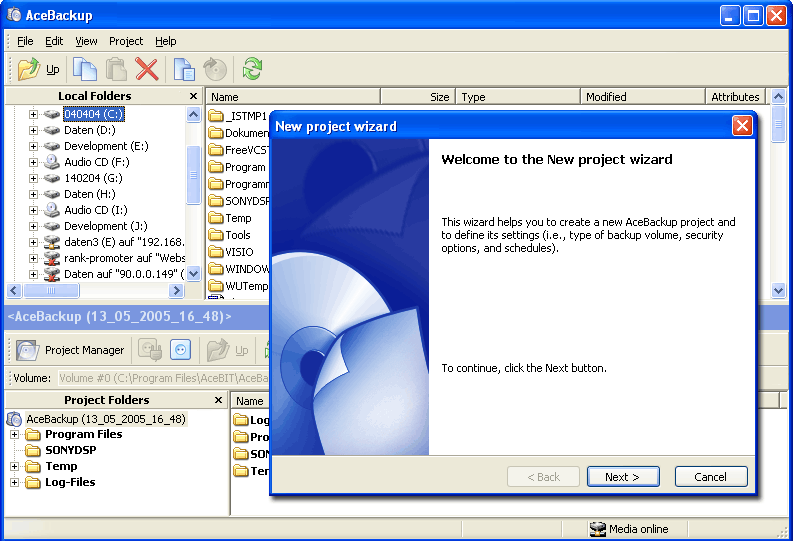
AceBackup provides you with an easy to operate user interface! The New project wizard helps you to create a new AceBackup project in just a few steps!
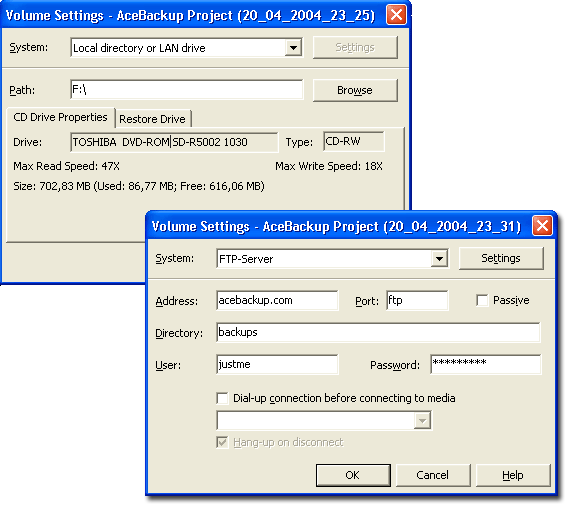
Using AceBackup you can easily perform backup operations on CD or DVD! You also have the ability to store files on FTP servers as well as on any local storage device!
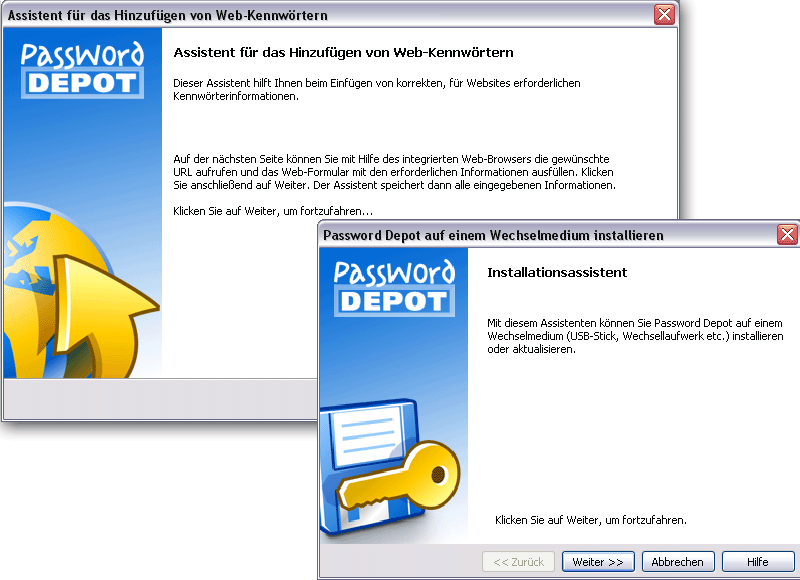
Use the Import wizard to import an existing AceBackup project from your backup volume!

AceBackup implements several strong encryption algorithms to hold your data securely! Select the highest compression level to keep backups as small as possible if your disk space runs short!
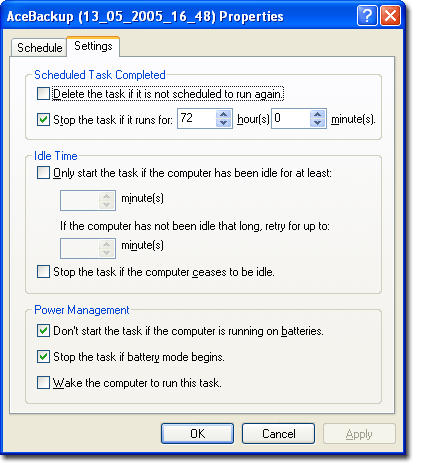
You can configure AceBackup to perform operations, such as backing up or updating your project according to a schedule!